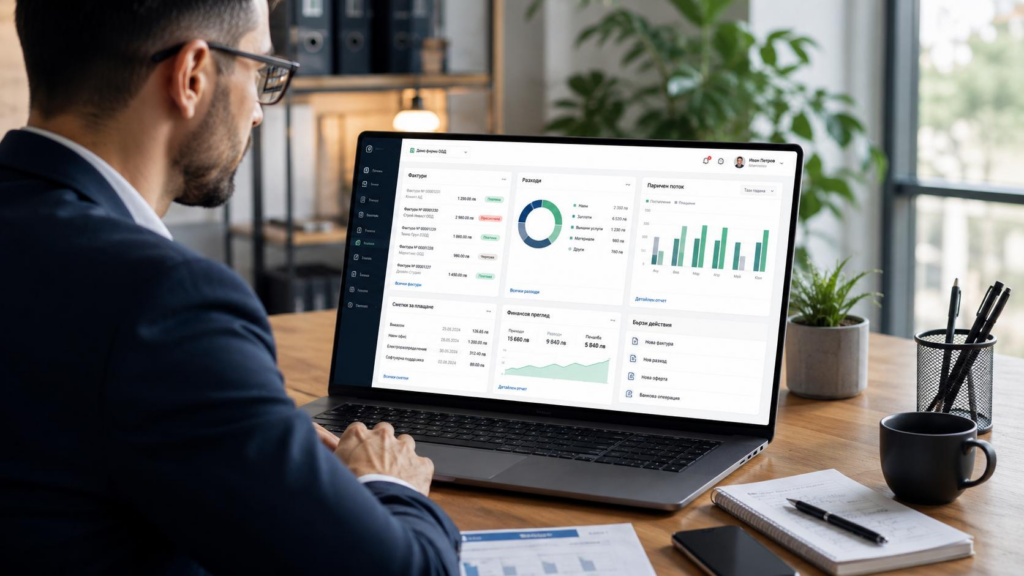
Buying an accounting platform does not automatically produce useful books. Reports remain confusing when balances, bank connections, tax settings, or categories are configured incorrectly. A careful accounting software setup for small business creates a dependable starting point, but the system still needs consistent use and review. Before choosing a product, identify what the business must record, who needs access, and which reports matter. A sound foundation makes daily bookkeeping easier and information more useful.
Why Accounting Software Matters for Business Owners
Good bookkeeping software brings transactions, invoices, bills, and reports into one system. Owners can review income, expenses, unpaid invoices, upcoming bills, and reconciled bank activity without maintaining disconnected spreadsheets.
A program is only as good as the data and the rules it uses. When the categories are wrong, when imports repeat, and when conflicts are not settled, the reports start to go off. Even with automation doing the work, someone still needs to check things. Automation can speed things up, yet a careful review of the steps keeps the saved records aligned with the choices made.
Benefits of Using Accounting Software for Small Businesses
Well-configured small business accounting tools create consistent financial records. Bank imports reduce manual entry, reconciliation compares the books with statements, and invoice tracking identifies outstanding payments. Timely reports also make professional discussions more productive.
These benefits do not turn everything into an automatic workflow. A person still has to check the categories, look into odd balances, keep the right papers on file, and fix mistakes. The software can help with bookkeeping, but it cannot take over judgment.
Choosing the Right Accounting Software for Your Business
The appropriate platform depends on transaction volume, industry, entity structure, users, reporting needs, budget, and growth. Retail accounting services might prioritize inventory, while service businesses may value invoicing, projects, or billable time. Payroll and sales tax needs also matter.
Compare accounting software solutions by essential features rather than impressive extras. Examine permissions, exports, security, support, integrations, and upgrade options. Confirm what each subscription includes because features vary across providers and packages. Trials help teams test daily usability before migrating important data.
Essential Features to Look for in Accounting Software
Common features are transaction logs, matching bank records, invoicing, handling bills, and basic reporting. Good safeguards are audit history, role based access, saved receipts, and tools to export data. Linking systems is important when money data needs to flow between payroll, payment services, time sheets, inventory, or other software.
Think about your day to day workflow. A receipt app helps only if people use it the right way. Project summaries do not help much if work is not recorded. Pick options based on real tasks. Check that the plan actually includes what you want.
Setting Up Accounting Software Correctly
A reliable accounting software setup for small business starts with correct company details, entity information, tax settings, financial year, and accounting method. Build a chart of accounts reflecting how the company earns and spends money, without creating categories for every supplier.
Enter verified opening balances before connecting financial accounts. Add customers, vendors, products, and services as required. Configure payroll, sales tax, inventory, or projects only when relevant. Give each user role-appropriate access instead of unrestricted permissions.
Plan historical migration carefully. Choose the periods to transfer, check totals, remove duplicates, and reconcile initial statements. Test routine transactions and review the first profit and loss statement and balance sheet before launch.
Common Accounting Software Setup Mistakes to Avoid
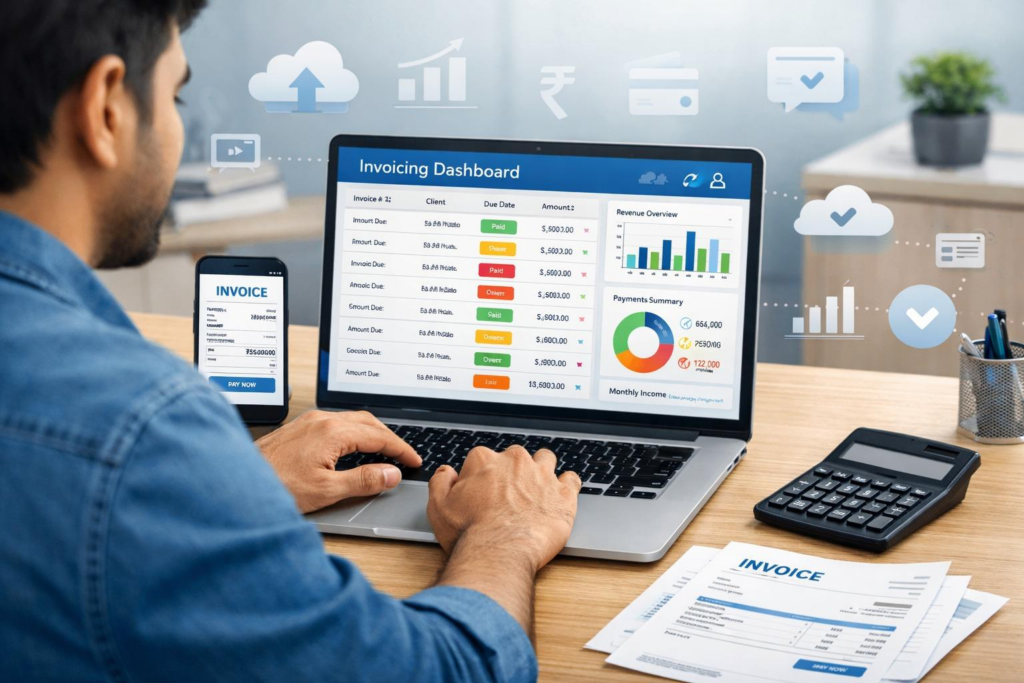
An unreviewed default chart of accounts often creates irrelevant categories. Other problems include incorrect opening balances, duplicate bank connections, mixed personal transactions, and transfers recorded as income or expenses. Loan proceeds are not sales revenue.
Automation can create risk. If a rule is wrong, it might run every month. That means the same mistake shows up again and again. You should go back and review the suggestions. Also look at what is sitting in uncategorized activity. Check the apps that are connected, too.
Watch for grants that are too broad. Keep an eye on imports that were not reviewed. Do not skip reconciliations, even when they feel routine. Do a check each month. That way, you catch issues early. The errors are less likely to carry over into multiple reporting periods.
How Professional Accountants Support Software Management
Professional QuickBooks setup services may cover configuration, account design, opening balances, bank connections, migration, permissions, and reporting workflows. An accountant or bookkeeper may also explain classifications instead of merely correcting them.
A QuickBooks accountant adds value when guidance reflects actual processes. Rakow & Co supports small businesses with QuickBooks setup, cloud accounting, bookkeeping, payroll, tax, and advice. Its New Jersey accountants work remotely with clients across the United States.
Businesses needing ongoing help can explore Rakow & Co.’s monthly bookkeeping services. A discovery call lets owners discuss their records, software, and accounting needs before choosing support.
Maintaining Accurate Financial Records With Accounting Tools
Setup is only the beginning. Reconcile bank and credit card accounts regularly. Review uncategorized activity, duplicates, outstanding invoices, unpaid bills, and unusual balances. Keep customer, vendor, and product records current.
Take out old user accounts. Check what each person can access. Keep credentials safe. Watch the apps that are linked and running. Keep the right exports or backups for the platform and for the work you do. When day to day tasks shift, adjust the workflows. Do not push new work into an old setup. Write down the routines so handovers go smoother when team roles change.
Check both the math and the logic in financial reports. It is possible for the totals to match, yet the data used could be missing or put in the wrong category. One way to catch this is to compare current results to earlier periods. You can also compare them to what you expected to see during the same time frame. If something looks off, it usually needs a closer look.
Conclusion
Picking the right software is only one part of keeping reliable records. The setup details matter. Make sure the opening data is correct. Set permissions that match how your team works. Do regular checks so mistakes show up early. When small businesses choose accounting software setup for small, it should fit the way they run day to day tasks. Rakow & Co can help you talk through setup or take care of ongoing bookkeeping, depending on what you need.
Frequently Asked Questions
What accounting software is best for small businesses?
The right choice depends on industry, transaction volume, required features, integrations, reporting needs, number of users, and available budget.
Why is accounting software important?
It sorts transactions and helps you match records. It also supports reporting and makes financial status easier to see. If the source data is correct, the saved records stay easy to reach and use.
Can accountants help set up accounting software?
Accountants help set up the books. They also handle starting balances. They work on moving data into the system. They connect bank feeds. They set the right access levels.
How does QuickBooks help businesses?
QuickBooks can help you track income and spending. It also supports invoicing. You can connect bank accounts and match transactions during reconciliation. It includes tools for financial reports too, but what you get depends on which plan you choose.
What features should accounting software have?
Look for transaction tracking, reconciliation, invoicing, reporting, access controls, secure data export, audit trails, and integrations suited to your operations.