There is a spreadsheet on your computer called “stock_FINAL_v7”. It has twelve tabs, three colors of highlighting, and one cell nobody dares to touch. It worked fine when you sold twenty products. Now it is the reason you sold the same last item twice. Inventory management tools replace that file with one live count that updates itself whenever something sells, arrives, or comes back. Below, you will see what these tools actually do, what to check before you pay for one, and five options matched to different kinds of stores.
Understanding Inventory Management Tools
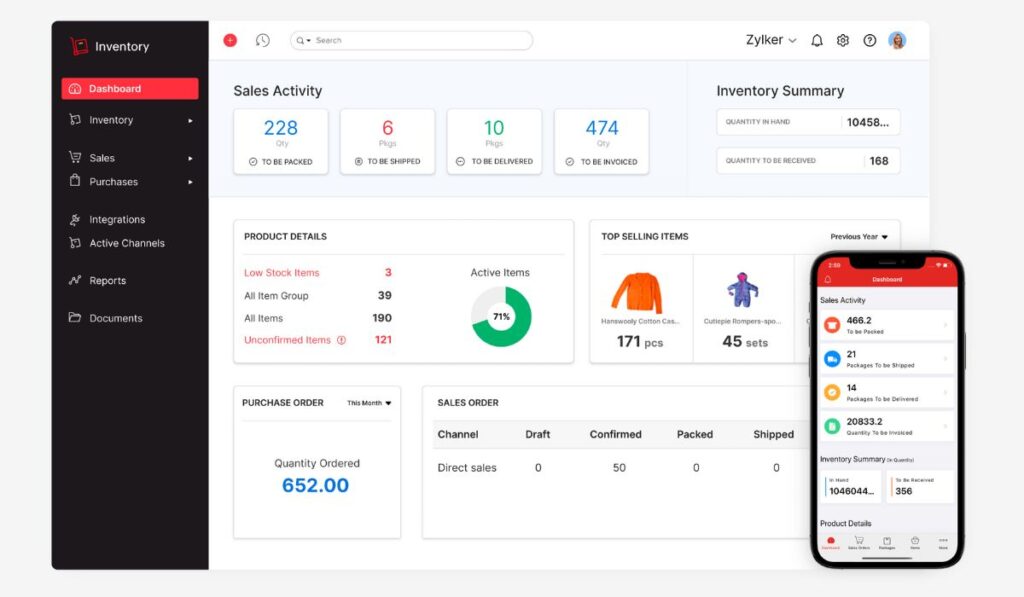
An inventory tool is software that keeps one trusted record of what you own and where it is. You stop asking “did anyone update the sheet?” because the tool updates itself. Good ones do four jobs.

The four jobs worth looking for:
- Count: Keeps one running total for every product.
- Connect: Shares that total with your online store, marketplaces, and accounting software.
- Warn: Tells you when something is running low.
- Report: Shows what sells fast, what sits still, and what your stock is worth.
How Inventory Tools Help Track & Control Stock
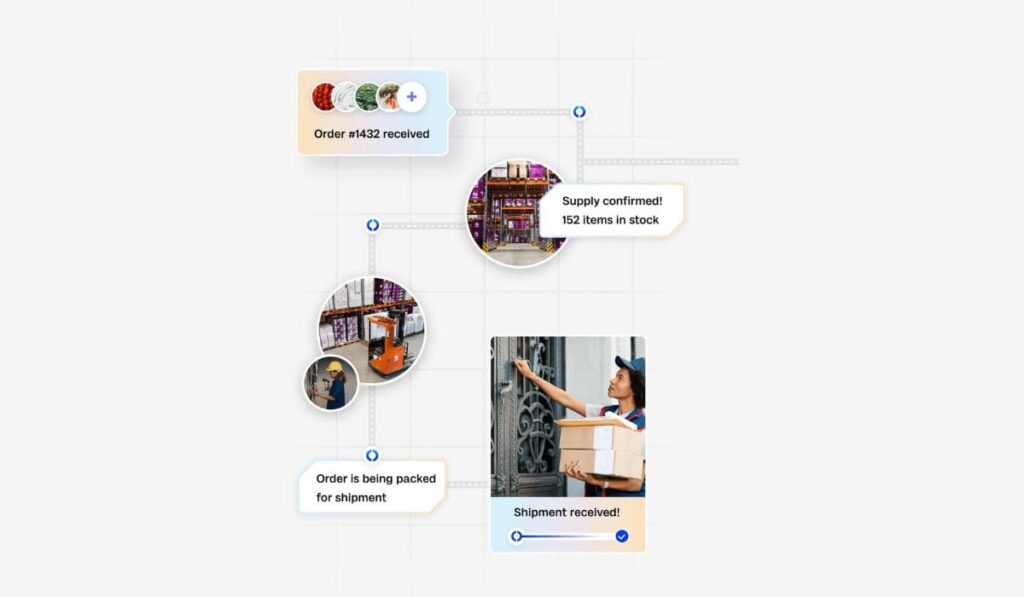
The easiest way to see the value is to follow one sale. Behind the scenes, stock tracking tools do all of this within seconds:
The cost reaches your accounting records, so the books and the shelf agree.
A shopper buys a canvas tote bag from your store.
The count drops by one, in every place you sell that bag.
The count reaches your reorder level, and the tool warns you.
You order more from your supplier, and the tool marks them as “on the way”.
The delivery arrives, you scan or enter it, and the count goes back up.

Key Benefits for Ecommerce Businesses
The payoff shows up in small, ordinary moments. You stop cancelling orders because the last item turned out to be missing. You reorder when the numbers say so, not when the shelf looks bare. Month-end gets calmer, because the stock value in your books comes from the same count you use every day, so nobody has to hunt for differences. And when you want to know which products really earn their space, the answer is one report away. None of this makes selling easier, exactly. It just takes the guessing out.
Inventory Management Strategies to Consider
The way you buy and ship decides which tool features matter. A store that orders in big batches needs different things from one that never touches the goods. The right inventory control solutions are the ones that support how you already work, not the ones with the longest feature list.
Three questions to answer before you compare anything:
- How do you order stock: in big batches, little and often, or only when something sells?
- Who ships your orders: you, a warehouse partner, or your supplier?
- Do you sell in more than one place?
FIFO, Just-in-Time & Safety Stock
Each strategy points to a feature worth looking for. The full explanation of each one is in our guide to ecommerce inventory management.
| Strategy | What it means | Feature to look for |
| FIFO (first in, first out) | The oldest stock ships first | Batch or date tracking, and a cost method that follows the order stock arrived |
| Just-in-time | You order only when you need to | Purchase orders created from sales, plus a record of how long each supplier takes |
| Safety stock | A cushion for surprises | A reorder point and low-stock alert for each product |

Dropshipping & 3PL Fulfillment
Two setups take shipping out of your hands, and each asks something different of a tool. With dropshipping, your supplier holds the stock and ships it, so you need a way to see their availability, or you will keep selling items they have run out of. With a 3PL, meaning a third-party warehouse that stores and ships for you, the tool should show the stock sitting in their location, so your count includes goods you do not physically hold. In both cases, ask the seller of the tool how it handles stock you never touch. Not every tool does this well, and that one question can save you a lot of trouble.
What to Look for in Inventory Management Software
Most software gets bought on a good demo and regretted three months later. The way around that is to decide what you need before you look, then test the tool with your own products. A small shop and a growing warehouse need very different things, and paying for features you never open is the most common mistake.
Start with this short list:
- Write down the three things that cause you the most trouble today.
- Count how many places you sell and where your stock is kept.
- Decide who will use the tool each day.
Features, Usability & Cost
Try the 15-minute test. Start a free trial, add ten of your own products, record a sale, receive a delivery, and run one report. If you can do all that in about a quarter of an hour without help, the tool is easy enough for daily use. If you get stuck, picture your busiest week. On cost, look past the monthly number. Ask what happens when your orders grow, whether extra users or locations cost more, and whether a feature you need sits in a higher plan. A free plan is a fine place to start, as long as you know where its limits are. The cheapest of the inventory management tools is rarely the cheapest one to live with.
Integrations & Customer Support
Good ecommerce inventory software is only as useful as what it connects to. Ask these questions before you buy:
- Does it connect to my online store and every marketplace where I sell?
- Does it connect to my accounting software so costs and stock values reach my books on their own?
- What happens when a connection breaks, and who tells me?
- How do I reach support, and how fast do they reply?
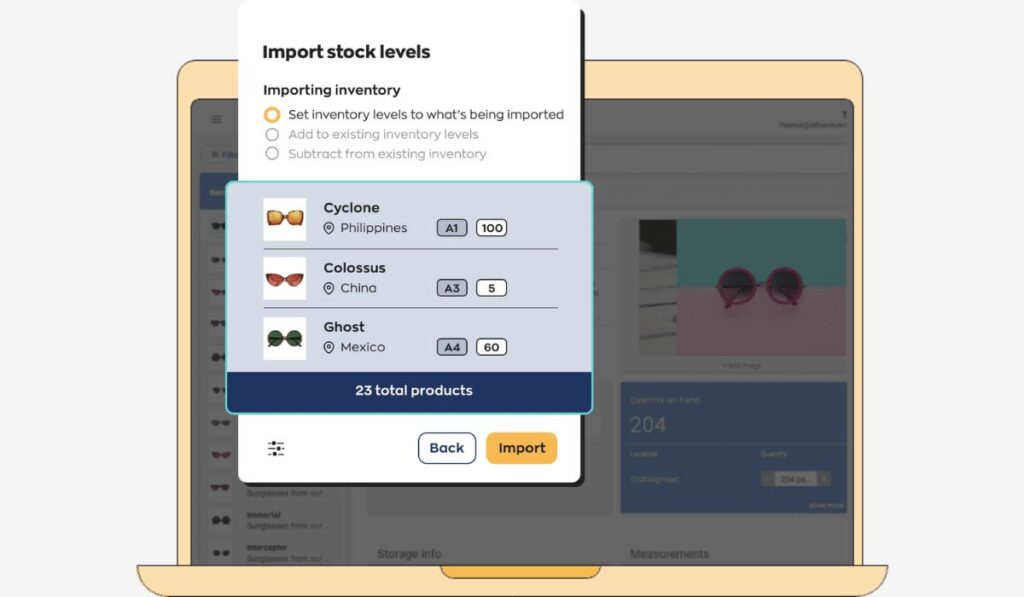
- Is there help setting up and bringing in my existing product list?
If the accounting link is new to you, our post on cloud bookkeeping explains how it works.
Best Inventory Management Tools for Businesses
The best inventory tools are the ones that fit how you sell, so treat the five below as matches for different situations, not a leaderboard. Each is described from what its own maker states, so check the current details when you try one.
A quick match before the details:
| Tool | Suits | Keep in mind |
| Fishbowl | Growing sellers who use QuickBooks or Xero, and may also assemble or make products | Built for larger setups, so a small shop may not need all of it |
| Zoho Inventory | Small stores selling in several places | The free plan has small limits, so check them against your order volume |
| inFlow | Small and mid-size teams that want something easy to learn, with barcode scanning | Check that your store and accounting tool are on its connection list |
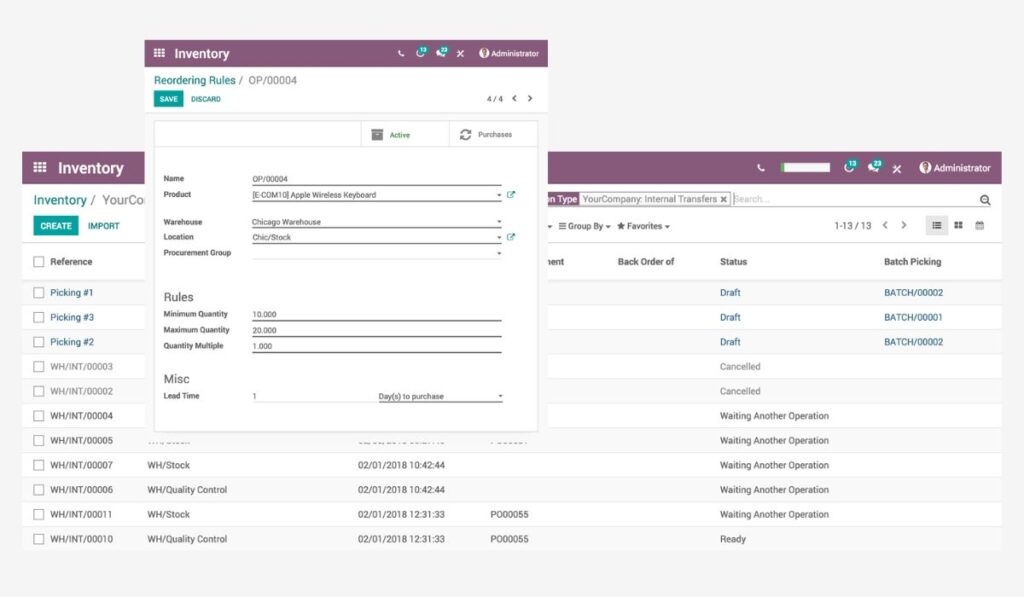
| Odoo | Owners who want one system that can grow into sales, purchasing, and accounting | It is a full suite, so expect more setup |
| Sortly | Shops that mainly need to count and organize stock across locations | Built more for counting than for selling, so check store connections |
Fishbowl
Fishbowl is cloud-based inventory and warehouse software built around QuickBooks and Xero, with direct links to both so costs flow into your books. It connects to many online stores and marketplaces, including Shopify, Amazon, eBay, and WooCommerce, and it tracks stock across several locations, including goods held by a 3PL.
It also handles kitting and light manufacturing, with bills of materials and work orders, which suits sellers who assemble or make what they sell. Pricing is per user and quoted by Fishbowl, so ask for a demo to see current numbers. The company says setup takes about two to six weeks, which is longer than the simpler apps here, so plan for it.
Zoho Inventory
Zoho Inventory is an online tool for small stores that sell in more than one place. It connects to Shopify, WooCommerce, Amazon, eBay, Etsy, and Walmart, and to accounting tools including Zoho Books, QuickBooks Online, and Xero. You can manage stock in more than one location, scan barcodes, track batches and serial numbers, set reorder points with low-stock alerts, and handle backorders and dropshipped items. Zoho offers a free plan with small limits (50 orders a month, one user, and one location at the time of writing), paid plans as you grow, and a 14-day trial. Its support team works weekdays, so keep that in mind if you sell on weekends.
inFlow, Odoo & Sortly
inFlow
- Cloud inventory and order tool made for small and mid-size teams, from solo sellers to teams of about 50.
- Barcode scanning, a phone scanner and portable label printer sold separately, and a B2B ordering portal for wholesale buyers.
- Connects to ecommerce and accounting tools, with a 14-day free trial, guided setup, and its own support team.
Odoo
- A modular system: Inventory is one app, and you can add Sales, Purchase, Manufacturing, and Accounting later
- Its first app is free with unlimited users, and you pay when you add more apps. Selling online through Odoo uses its separate eCommerce app
- Barcode scanning that works offline, several ways to value stock (including FIFO and average cost), and rules that trigger reorders
Sortly
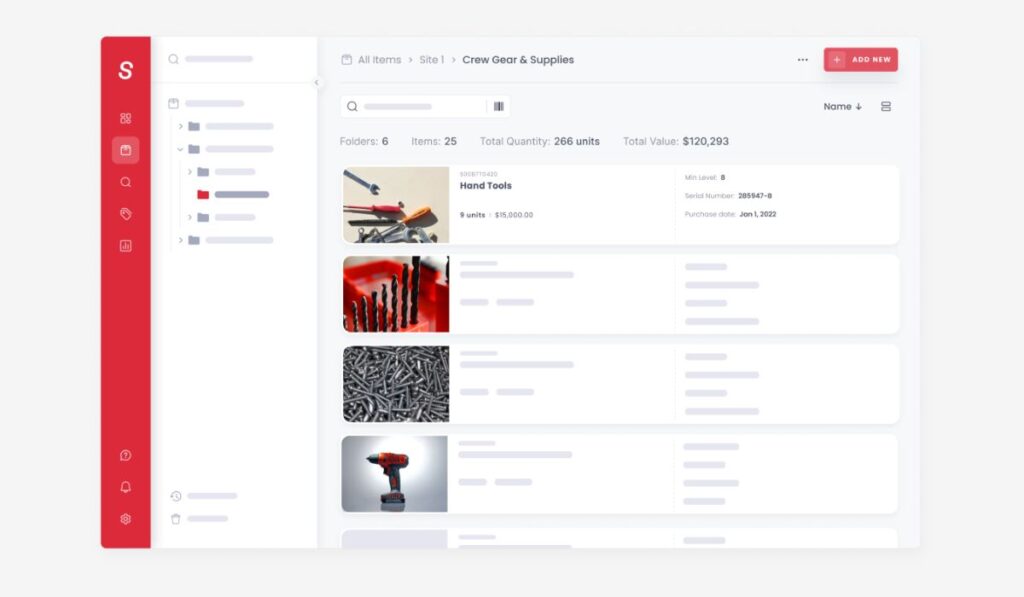
- A simple, mobile-first tool that sorts stock into folders by location or type, with photos, barcodes, and QR labels.
- Low-stock and date-based alerts, exportable reports, and a 14-day free trial.
- Built mainly for counting and organizing physical stock, so check that your store is on its integration list before choosing it for an online shop.
Choose the Right Inventory Management Solution
The right tool is the one you will actually open every day, and that fits the way you sell and keep your books. Choosing between inventory management tools gets easier once you know what you need: start with the three things that trouble you most, test two or three options with your own products, and pick the one that feels easy. If you would like a hand tying your stock to your accounting, Rakow & Co works with online sellers on ecommerce bookkeeping, from setting up your accounting software to keeping your stock value and your books in agreement. Book a discovery call and tell us how you sell today.
Frequently Asked Questions
What are inventory management tools?
Software that keeps one live count of your stock, updates it as you sell and restock, and warns you when to reorder. Many also connect to your online store and accounting records.
What features should I look for in inventory software?
Look for a live count shared across every place you sell, low-stock alerts, and barcode scanning. Also check the store and accounting connections, how easy it is to use, and what support is on offer.
What are the best inventory tools for small businesses?
Zoho Inventory, inFlow, and Sortly are built with small teams in mind, and Odoo’s first app is free. The right one depends on where you sell, so test two or three with a trial.
Can inventory software integrate with ecommerce platforms?
Yes, most connect to popular online stores and marketplaces, but the list differs from tool to tool. Check that yours is on it before you commit.
How can inventory tools improve stock management?
They give you one accurate count, warn you before items run out, and show which products sell slowly. That means fewer cancelled orders and less cash sitting on shelves.